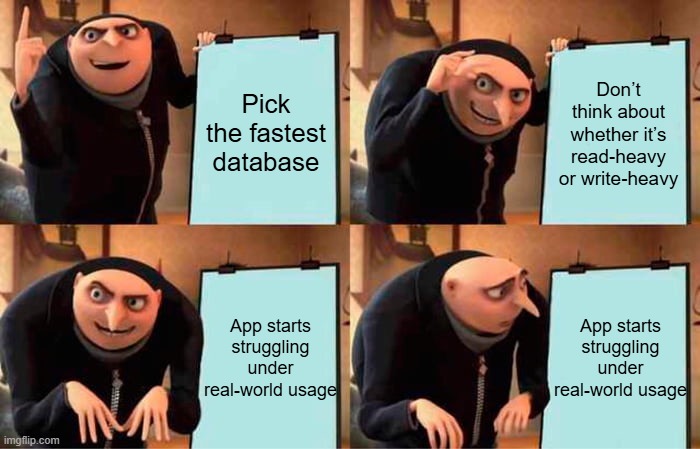
When you pick a database without thinking through your read/write patterns…
Picking a database isn’t just about speed or what’s trending on Hacker News. It’s about choosing something that fits your app’s actual workload, especially how often you’re reading data vs. how often you’re writing it.
A lot of developers make the mistake of picking a database based on hype or what their favorite startup is using. But if you don’t think through how your app interacts with data, you might end up fighting your own tech stack later on.
Let’s break it down.
The Basics: OLTP vs. OLAP
At a high level, workloads generally fall into one of two categories:
OLTP (Online Transaction Processing):
Optimized for fast, small operations: think inserting a new user, updating a password, or processing a checkout. These systems are write-heavy and focused on data integrity.
Examples: Banking apps, e-commerce checkouts, CRMs.OLAP (Online Analytical Processing):
Built for reading and analyzing large volumes of data. These workloads are read-heavy and typically involve complex aggregations over many records.
Examples: Dashboards, reporting tools, business intelligence platforms.
Understanding whether your app is more transactional or analytical helps narrow your DB choices quickly. A row-based transactional database isn’t going to shine in OLAP workloads, just like a columnar analytics engine won't perform well for lots of small updates.
Read-Heavy vs. Write-Heavy Workloads
Now let’s talk access patterns.
Read-heavy apps:
Think news sites, product catalogs, knowledge bases. users mostly browse data that doesn’t change much.Write-heavy apps:
Chat apps, sensor data pipelines, logging systems, constantly ingesting and storing new data.
Why does this matter?
Because databases optimize differently:
- PostgreSQL is great, but at high write volumes, it may require careful tuning (think: partitions, vacuum settings, indexing strategies).
- On the other hand, Cassandra thrives under high write throughput, but it’s likely overkill for a blog or content site.
If you mismatch your workload with your database, you’ll spend more time fighting performance issues than building features.
Schema Design: Normalized vs. Denormalized
Your read/write patterns also affect how you design your schema.
Normalized schemas (common in relational DBs like PostgreSQL or MySQL):
Data is split into multiple related tables. This reduces duplication and keeps things tidy. Great for write-heavy systems where updates need to be efficient.Denormalized schemas (common in NoSQL or OLAP systems):
Data is duplicated to reduce the need for joins. Reads are faster, but you’ll trade off some flexibility and storage efficiency. This fits well with read-heavy or analytics workloads.
In short:
Normalized = write efficiency.
Denormalized = read efficiency.
So... How Do You Choose the Right DB?
Forget benchmarks for a second. Ask yourself:
- Is my app mostly reading or writing data?
- Are my reads transactional (single user actions) or analytical (summarizing across many users)?
- Does the data change often, or is it mostly static?
- Do I need complex joins, or just fast lookups by ID?
These answers will guide you far better than a Reddit thread debating Mongo vs. Postgres.
Final Thoughts
You don’t need to get everything perfect on Day 1. But thinking through your read/write patterns early will save you time, money, and stress down the road.
Your database should work with your app, not against it.