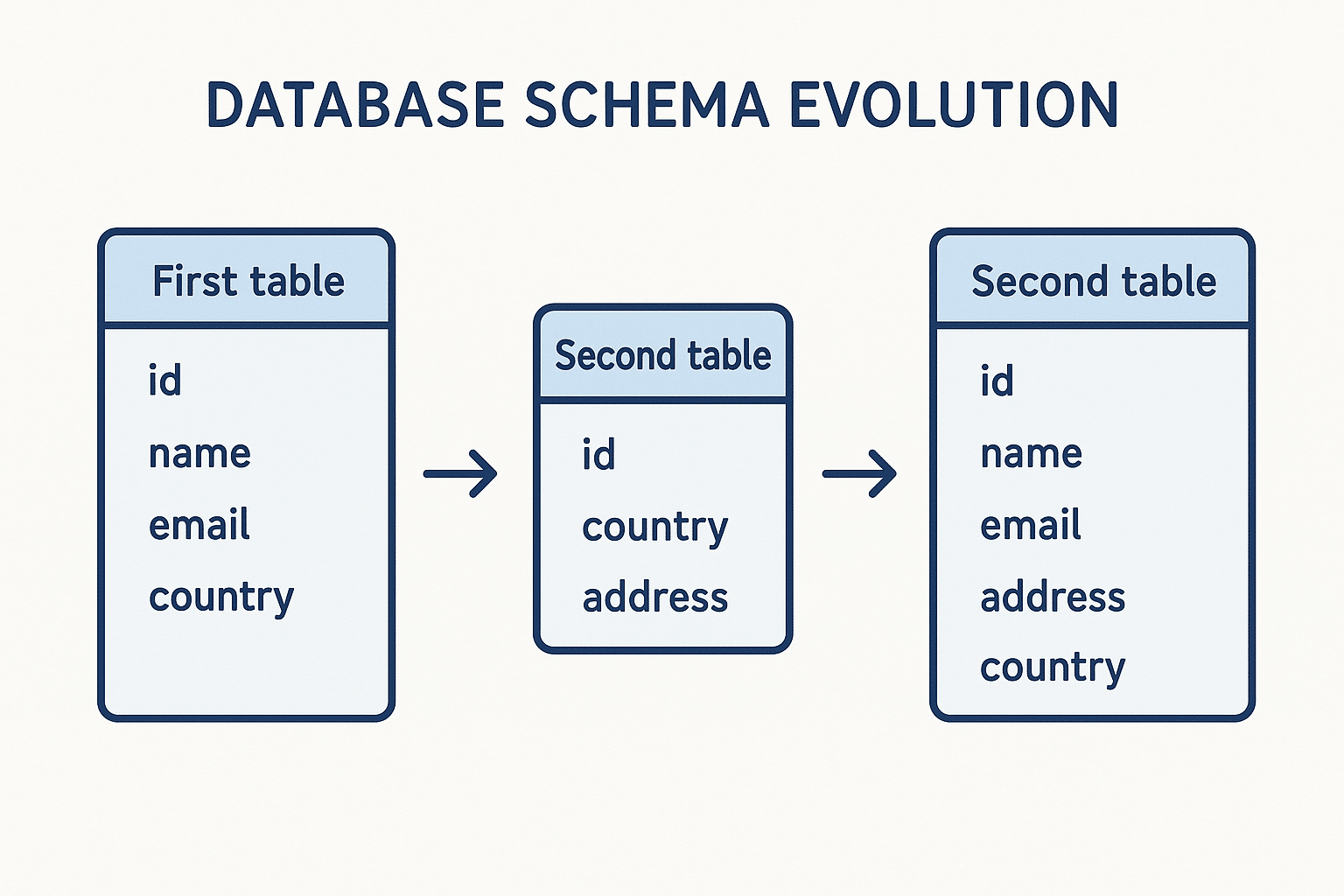
Changing your database schema sounds simple, until you do it in production. Direct schema changes can lock tables, break apps, or worse — silently corrupt data.
This post is a quick walkthrough on how to approach schema changes in SQL without taking down your app.
Why You Can’t Just “Alter Table” in Prod
Relational databases don’t like being changed on the fly. Even a small change like modifying a column type can lock the whole table, especially under load.
Also, frontend or API code that expects an older schema might just crash if you drop or rename something.
So yeah, schema evolution needs a plan.
Safe Migrations
The basic rule: don’t make changes that block reads/writes. And don’t assume your code and your database will be updated at the same time.
1. Add, don’t remove
If you need a new column:
ALTER TABLE users ADD COLUMN is_verified BOOLEAN;Just add it. Don’t touch the old one yet. Then backfill the data slowly in the background.
// naive example of a background script
await db.query(`
  UPDATE users SET is_verified = true WHERE email_verified_at IS NOT NULL
`)
2. Make it nullable first
If you need it to be NOT NULL, don’t enforce that right away.
-- first step
ALTER TABLE users ADD COLUMN signup_source TEXT NULL;

-- populate it over time
-- then later
ALTER TABLE users ALTER COLUMN signup_source SET NOT NULL;
3. Don’t couple migrations with deploys
If you deploy code that expects a column to exist before the column is added, you’re gonna have a bad day. Always deploy migrations before the code that uses them.
Backward Compatible Changes
If your app needs to read from or write to the old and new schema at the same time, make sure both versions are valid.
Say you’re renaming a column but don’t just rename it. Add the new one, write to both for a while, then switch reads, then delete the old one.
// example: writing to both old and new columns
await db.query(`
  UPDATE users SET old_name = $1, new_name = $1 WHERE id = $2
`, [name, userId])
Once all your code reads from new_name, then drop old_name.
Versioning and Tooling
Use a migration tool. Writing raw SQL works until it doesn’t. Tools like Prisma, TypeORM, or Knex let you keep track of changes, generate SQL, and roll things back.
Prisma example:
npx prisma migrate dev --name add-signup-sourceIt tracks versions and applies them in order.
Blue-Green for Schema Changes?
Blue-green deploys aren’t just for app servers. You can apply the same idea to database changes.
- Deploy changes to a copy (green)
- Test it
- Switch traffic over
- If it breaks, flip back to blue
This only works if you separate reads/writes from code tightly and your infra supports quick switching. Most teams fake this with feature flags and phased rollouts, which also works.
What Not To Do
- Don’t drop columns just because they’re unused in the code
- Don’t block writes for a “quick” migration
- Don’t assume staging = prod
- Don’t log full
req.bodyin migrations (unrelated but still)
TL;DR
- Always make changes in steps: add → migrate data → switch reads/writes → remove
- Test migrations in staging with production-size data
- Use proper tools, version everything
- Write idempotent migrations
- Prefer safety over cleverness
Closing
Schema changes are boring until they break something. Then they become critical.
A few hours spent planning and testing a migration can save days of debugging weird prod issues later.
Not glamorous. Just necessary.